Krita Features
Krita is a free, open-source digital painting program with a deep brush engine, a full layer system, vector and text tools, professional colour management and built-in 2D animation. This guide walks through what it does and why artists keep it as their main painting app.
Krita is built around one goal: painting and drawing. It is not a photo editor with a brush bolted on — the canvas, the brushes and the colour tools are the heart of the program. That focus, plus the fact that it is completely free, is why it is used by hobbyists, students, comic artists and professional studios.
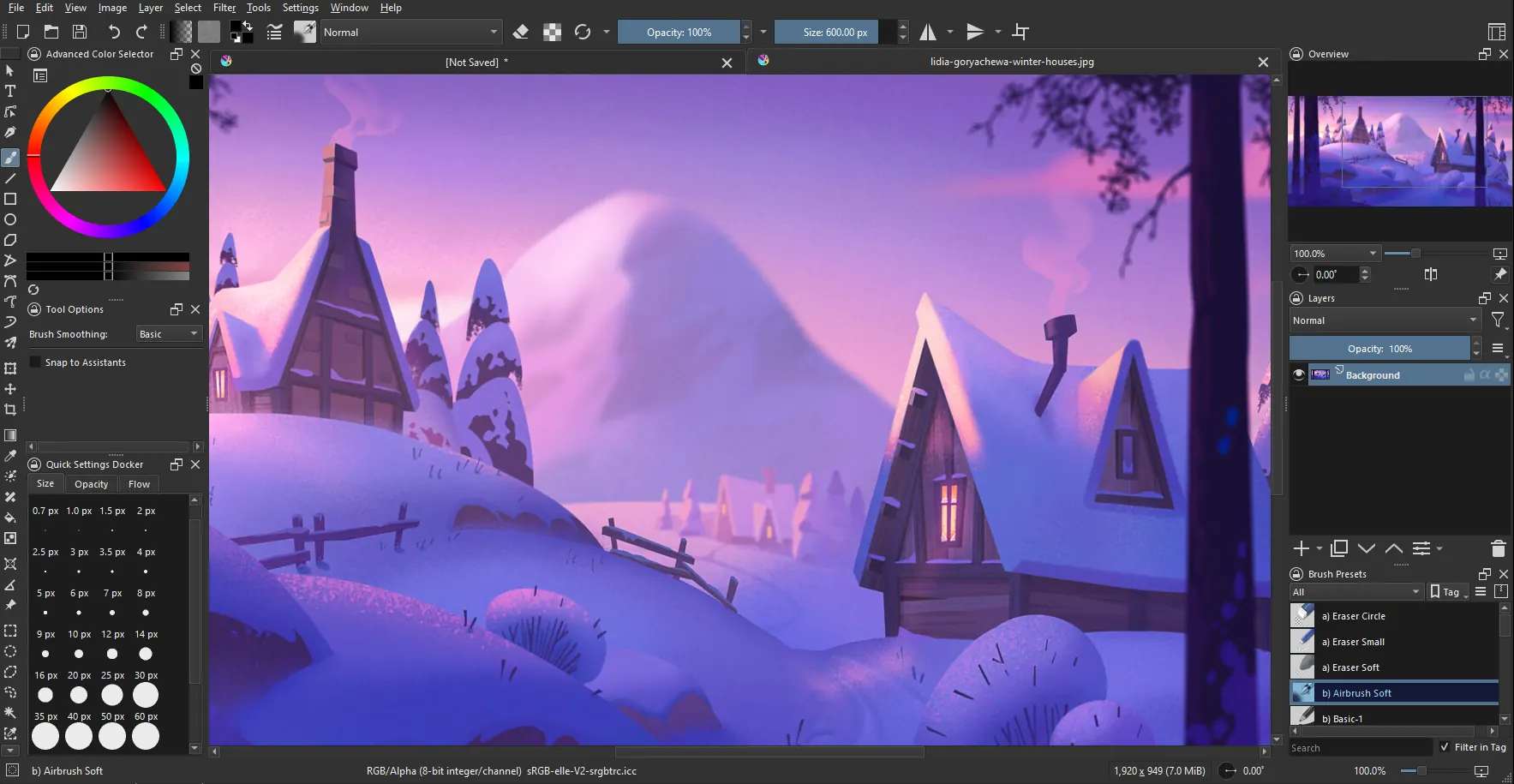
A clean, flexible interface
Krita's workspace is built to get out of your way. Dockers can be moved, floated or hidden, and you can save custom workspaces for painting, inking or animation. A canvas-only mode hides everything but your artwork, and the pop-up palette puts your favourite brushes and colours a click away on the canvas itself.
- Customisable dockers: arrange the panels to suit how you work.
- Pop-up palette: quick access to brushes and colours on canvas.
- Themes: light and dark interface options.
- Canvas-only mode: paint distraction-free.
All the painting tools you need
The brush engine is where Krita shines. Nine distinct engines drive hundreds of presets, from natural media that mimic pencils and watercolour to shape and texture brushes for effects. A brush stabiliser smooths shaky strokes, and everything is customisable in the brush editor.
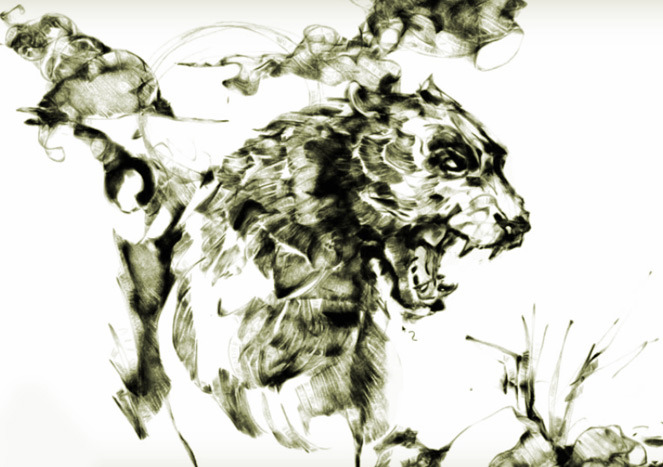
- Nine brush engines: painting, inking, texture and special effects.
- Brush stabiliser: three modes for clean, smooth lines.
- Layers and masks: groups, filter and transform masks, blending modes.
- Selections: precise selection tools with feathering and editing.
- Wrap-around mode: paint seamless textures and patterns live.
- Mirror and symmetry: multibrush and symmetry tools for fast work.
The Krita brushes guide covers the engines and free brush packs in more depth.
Simple and powerful 2D animation
Animation is built straight into Krita, not a separate add-on. You draw frame by frame with the same brushes you paint with, using a timeline and onion skinning to see the frames before and after. When it is done, you export to a video file or an image sequence.

It is a genuinely approachable way into hand-drawn animation, and it is free — see the dedicated Krita animation guide for the timeline, onion skinning and export.
Vector, text and colour tools
Krita is a raster painting program at heart, but it also carries vector tools for clean shapes, speech bubbles and comic panels, plus a text tool. On the colour side it offers advanced colour management, support for many colour models, and HDR painting for high-dynamic-range work — the sort of accuracy professional pipelines need.
- Vector shapes: crisp lines, speech balloons and comic layouts.
- Resource manager: import and organise brushes, patterns and palettes.
- Colour management: professional colour and HDR painting.
- PSD support: open and save Photoshop files to share work.
File formats and productivity
Krita saves to its own layered .kra format and imports and exports a wide range of others, so it fits into almost any art workflow. Alongside the core tools are dozens of productivity touches — a session manager, customisable shortcuts, scripting with Python, and a wrap-around mode for tiling textures.
Supported formats include: KRA (native), PNG, JPEG, TIFF, PSD (Photoshop), WEBP, BMP, GIF, EXR and more. That PSD support in particular makes it easy to move files between Krita and other tools.
Made for comics and concept art
Two audiences shaped a lot of Krita's design: comic artists and concept artists. For comics there are panel and text tools, vector speech balloons, and a template system for pages, plus perspective assistants that keep your lines heading to the right vanishing points. For concept art the deep brush engine, wrap-around tiling and fast colour tools let you block in ideas quickly and iterate. The brushes guide goes deeper into the engines that make this possible.
- Drawing assistants: perspective, parallel and concentric guides.
- Comic templates: page and panel layouts to start from.
- Reference docker: pin reference images beside your canvas.
- Transform tools: warp, cage and liquify for reshaping art.
Community, resources and scripting
Being open-source gives Krita an active community that feeds back into the program. Artists share free brush packs, patterns and palettes that you import through the Resource Manager, and there is a wealth of free tutorials to learn from. For power users, Krita includes Python scripting, so repetitive tasks can be automated and new tools added. None of this sits behind a paywall — it is all part of the free Krita download, and the animation guide shows another side of what the same free program can do.
All of this — for free
Everything above is in the single free download. Krita is released under the GNU GPL, funded by the Krita Foundation and donations rather than licence fees, so there is no cost, no subscription and no locked "pro" tier. Ready to try it? Head to the download page for Windows, macOS and Linux, or read the FAQ for licensing and safety.
Common questions
What can you make with Krita?
Digital paintings, concept art, illustrations, comics, textures and 2D animation. Krita is built for drawing and painting rather than photo editing.
Does Krita support drawing tablets?
Yes. Krita has strong support for pen tablets and pen displays, with pressure sensitivity, tilt and a stabiliser for smooth strokes.